

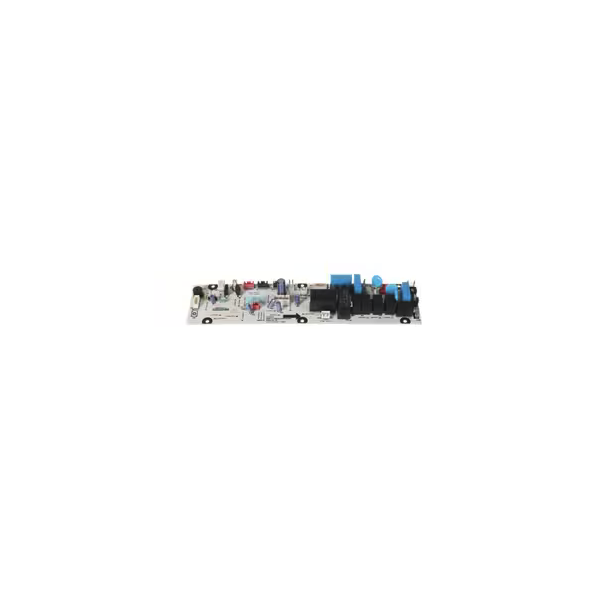
Turbo Air P0143N0100 Main PCB

Special Price £333.58 Regular Price £568.01
In stock
SKU
P0143N0100
The Turbo Air P0143N0100 Main PCB is an electronic control part that is used to coordinate and supervises major operating Operates of compatible equipment. It is fixed in the appliance control housing and it uses the input signals of sensors and switches to control the cooling cycles, defrost time and system response. It is used in commercial kitchen and food service facilities to maintain uniform operation when in use on a daily basis by providing communication between electrical components. It is a key factor in ensuring proper behavior and part dependability.

Dimensions

  • Length: 2.54 cm
  • Width: 2.54 cm
  • Height: 2.54 cm
  • Weight: 0 kg
https://partsfe.com/media/catalog/productno_selection
Write Your Own Review
You're reviewing:Turbo Air P0143N0100 Main PCB
Your Rating
Customer Questions
No Questions

We strive to provide our customers with a hassle-free and efficient shopping experience. Our shipping policy ensures the timely delivery of your orders and complete customer satisfaction. View More

We are committed to ensuring your complete satisfaction with every purchase. We understand that circumstances may arise where you must return a product or request a refund. If for any reason you are not satisfied, you may return the item(s) according to the terms outlined below. View More

This Payment Policy outlines the terms and conditions governing all payments made for products purchased through our website. By making a purchase, you agree to be bound by this Payment Policy. View More

Installation Steps

Step1: Disconnect the unit from power and follow proper lockout/tagout procedures before servicing.

Step2: Remove the rear or control access panel to expose the existing PCB.

Step3: Disconnect wiring harnesses and grounding wires from the old board.

Step4: Unscrew the mounting fasteners and carefully remove the damaged PCB.

Step5: Install the new board, secure it with screws, and reconnect all wiring as labeled.

Step6: Reinstall the access panel, restore power, and test the unit for proper operation.